I tried out Git Hooks
I usually sync markdown notes from my Obsidian vault between my computers using Syncthing. Unfortunately, the iOS client is a bit limited due to the restrictions placed on applications running on it.
I had to figure out how to get my notes on my phone to read them on there when I am unable to use my computer. After hours of research, I decided to store my notes on iCloud. What made this choice really appealing to me was the fact that storing notes on there will give me a second backup of my notes (I primarily push my notes to a private repo on gitlab as a remote backup).
The next issue I had to tackle was how to copy my notes onto iCloud. I initially tried moving my Obsidian vault onto iCloud but that did not work properly and I could not sync with my other computer. I solved this by writing a script that copies the notes to the iCloud folder on demand:
#!/bin/sh

rsync -avE --delete \
  --exclude='.DS_Store' \
  --exclude='node_modules/' \
  --exclude='.git/' \
  --exclude='.obsidian/' \
~/Documents/Notes/ /Users/adesa/Library/Mobile\ Documents/iCloud\~md\~obsidian/Documents/Notes
This worked fine and still does. The only issue I had was me occasionally forgetting to run it when I make changes to my vault. It happened so often that I had to find a way to make the syncing to iCloud occur automatically. This is where git hooks come in. Git Hooks let you run scripts automatically at different stages of your workflow. You can run one before a commit is created, before pushing to a remote and so on.
Git hooks are located in .git/hooks/ folder inside your repository. It contains multiple .sample files that have to be renamed (remove .sample) and made executable (chmod +x). I edited the pre-commit file, pasted my bash script into it, and made it executable.
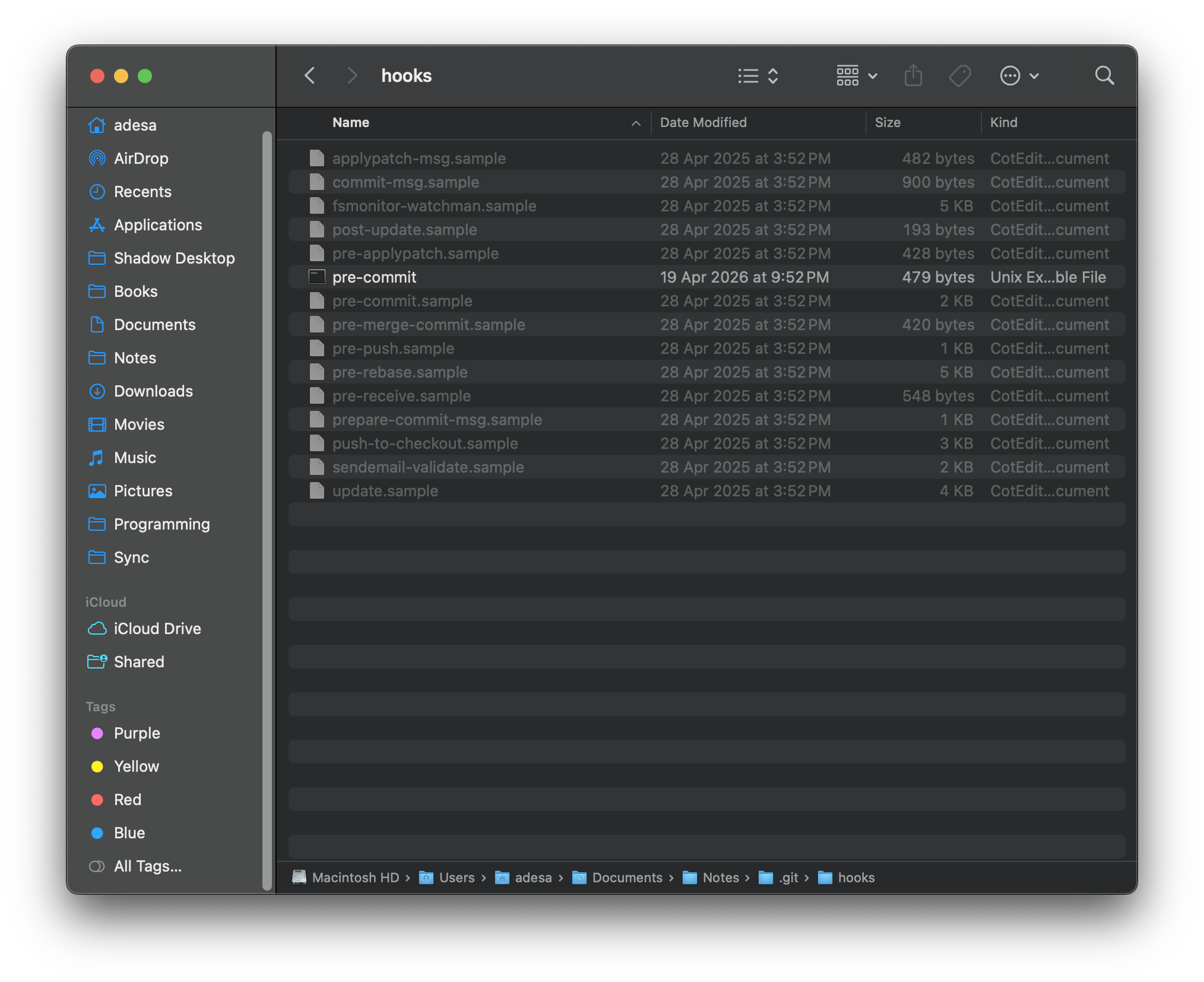 Now every time I make a commit, the changes I’ve made to my notes are also copied to my iCloud Drive.